
UDP 通信UDP networking
可放置的 UDP Actor,收发数据报、支持广播。UTF-8 / ANSI / ASCII / HEX 四种格式随时切换。A placeable UDP actor for sending and receiving datagrams, broadcast included. Switch between UTF-8 / ANSI / ASCII / HEX on the fly.
Super Tool 把 UDP / TCP / WebSocket 通信、HTTP 请求、JSON 处理、外部文件加载、窗口控制与 INI 热更新,封装成可以直接拖进蓝图的节点。全部 C++ 实现,只依赖引擎模块,打包后依然可用。 Super Tool turns UDP / TCP / WebSocket networking, HTTP requests, JSON handling, external file loading, window control and hot-reloading INI config into nodes you can drag straight into Blueprint. All native C++, engine modules only, and it keeps working in packaged builds.
// 已在 UE 5.1 / Win64 验证 · 通过 FAB 分发 // verified on UE 5.1 / Win64 · distributed on FAB
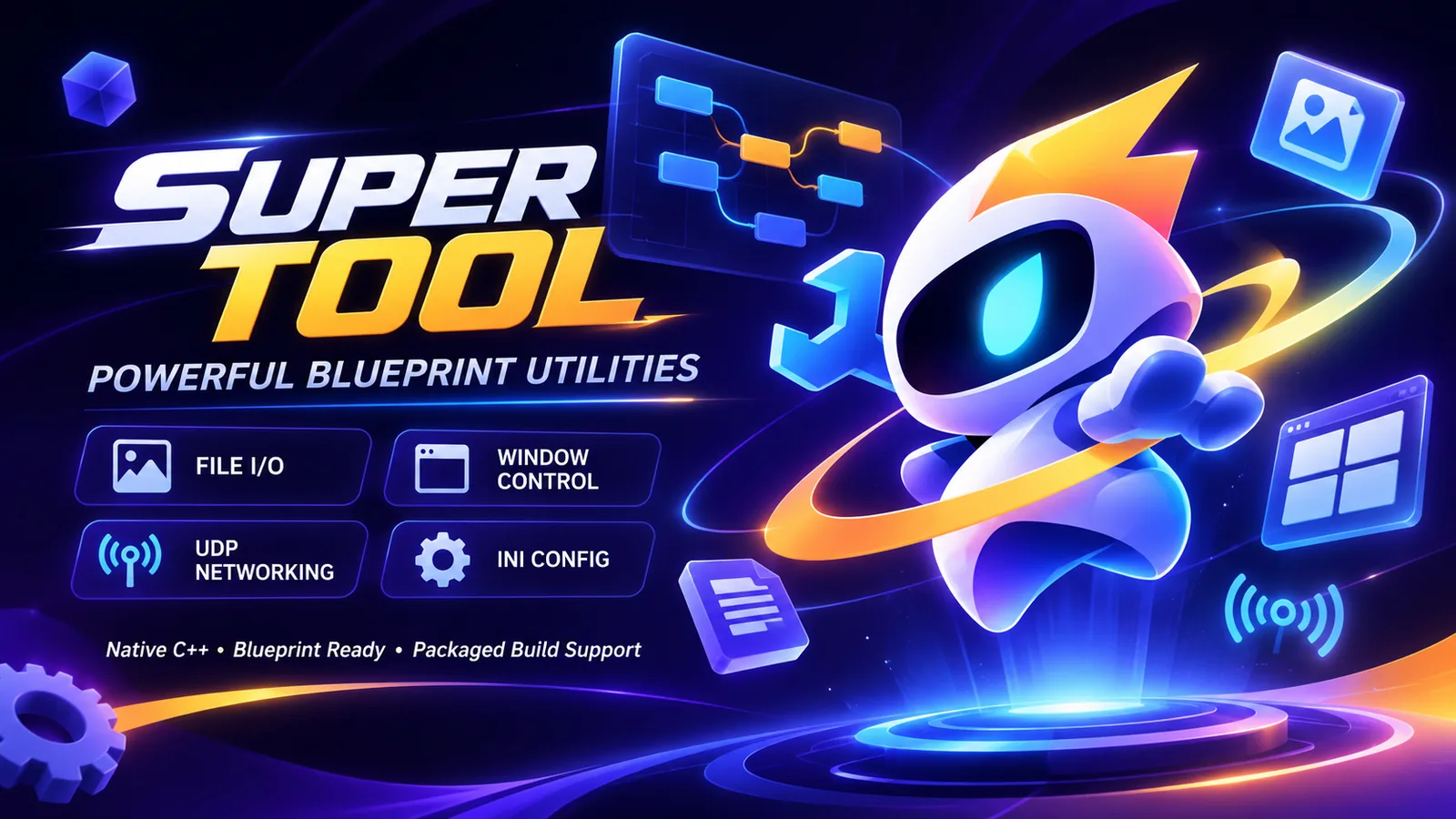
每个模块独立可用,全部通过蓝图函数库或可放置 Actor 暴露。节点统一位于 SuperTool|* 分类下,不用记 C++ 类名。
Each module stands alone, exposed through Blueprint function libraries or placeable actors. Every node lives under the SuperTool|* category, so you never need C++ class names.
可放置的 UDP Actor,收发数据报、支持广播。UTF-8 / ANSI / ASCII / HEX 四种格式随时切换。A placeable UDP actor for sending and receiving datagrams, broadcast included. Switch between UTF-8 / ANSI / ASCII / HEX on the fly.
非阻塞连接,异步 DNS 解析,Raw 与按行分帧两种模式,发送队列加蓝图事件回调。Non-blocking connections with async DNS, raw or line-framed reads, a send queue and Blueprint event callbacks.
基于引擎 WebSockets 模块的客户端 Actor,连接、断开、UTF-8 文本收发与事件驱动。A client actor on top of the engine WebSockets module: connect, disconnect, UTF-8 text framing and event-driven delivery.
异步请求节点,无需放置 Actor。GET / POST / PUT / DELETE / PATCH / HEAD,外加带进度回调的文件下载。Async request nodes with no actor needed. GET / POST / PUT / DELETE / PATCH / HEAD, plus file downloads with progress callbacks.
用点号路径和数组下标直接读写,例如 items[0].title。校验、格式化、增删字段、Map 转 JSON。Read and write with dot paths and array indexes like items[0].title. Validate, format, add or remove fields, map to JSON.
打包后照样从磁盘读 PNG / JPG 为 Texture2D,读写 TXT,按文件名把图片和文本配对成数据集。Load PNG / JPG from disk into Texture2D after packaging, read and write TXT, pair images with texts by filename into a dataset.
运行时改位置、尺寸、标题与置顶,枚举显示器并把窗口铺满指定屏幕。多屏和异形屏场景的刚需。Change position, size, title and always-on-top at runtime. Enumerate monitors and snap the window to any screen — essential for multi-display rigs.
读写 INI 支持层级键,监听文件时间戳。改完保存即生效,分辨率、全屏与窗口位置自动应用。Hierarchical INI keys with file-timestamp watching. Save the file and it applies instantly — resolution, fullscreen and window position included.
剪贴板、启动外部进程、打开网页或文件夹、读取命令行参数与环境变量、时间戳、Base64。Clipboard, launching external processes, opening URLs or folders, command-line args and env vars, timestamps, Base64.
用启动参数区分机器角色,窗口置顶并锁定到指定显示器;现场改 INI 保存即生效,不用重新打包、不用重启。Assign machine roles via command-line flags, pin the window on top and onto a chosen monitor. Edit the INI on site and it takes effect on save — no rebuild, no restart.
UDP / TCP / WebSocket 接数据源,JSON 按路径取值,图片与文案直接从外部目录加载,内容更新不必动引擎资产。Pull data over UDP / TCP / WebSocket, read it from JSON by path, and load images and copy straight from an external folder — content updates without touching engine assets.
分辨率、画质与窗口布局写在外部配置里,交付给客户后由他们自己调,你只需要维护那份 INI。Keep resolution, quality and window layout in an external config. Your client tunes it after delivery — you only maintain the INI.
HTTP 请求、进程启动、剪贴板、Base64 编解码,把虚幻引擎当成一个能快速出界面的桌面应用框架来用。HTTP calls, process launching, clipboard and Base64 — treat Unreal Engine as a fast way to ship a desktop app with a real UI.
插件通过 FAB 分发,源码不公开。安装走 Epic Games Launcher,不需要手动拷贝文件,也不用改工程配置。 Super Tool ships through FAB and its source is not published. Installation runs through the Epic Games Launcher — no manual file copying, no project config edits.
Plugins/。Click "Add to Project" in the launcher, pick the engine version and target project — the plugin installs itself into that project's Plugins/ folder.
SuperTool 分类下。Open the project, tick Super Tool in the plugin browser, and its nodes appear under the SuperTool category.
更细的安装步骤、路径规则与模块说明见 完整文档。首次打开若提示模块缺失,按提示编译一次即可。 Detailed steps, path rules and per-module reference live in the full docs. If the first launch reports a missing module, compile once when prompted.
YourProject/
|-- Config/
|-- Content/
|-- Plugins/
|   `-- SuperTool/          # FAB 装到这里
`-- YourProject.uproject # 启用后写入 "Enabled": true{
"Plugins": [
{ "Name": "SuperTool", "Enabled": true }
]
}// Blueprint category — SuperTool|*
UDP TCP WebSocket
HTTP JSON File
Window Config System多数情况是引擎版本没对上:FAB 的「添加到项目」只会列出受支持的引擎版本,装错版本的项目里看不到插件。确认项目使用的引擎版本与 FAB 上标注的一致,并检查项目目录下确实存在 Plugins/SuperTool/。Usually an engine version mismatch: "Add to Project" only lists supported engine versions, and a project on a different version will not see the plugin. Confirm your project uses a version listed on FAB, and check that Plugins/SuperTool/ actually exists in the project folder.
Receive UDP 一直返回 false?Receive UDP keeps returning false?这是设计行为。接收 Socket 非阻塞,没有数据就立刻返回 false。请在 Tick 或定时器里反复调用,并在同一帧内循环调用直到返回 false,才能把缓冲区清空。同时确认端口已成功绑定、发送端 IP / 端口正确、防火墙没拦。That is by design. The socket is non-blocking, so it returns false immediately when nothing is queued. Call it every tick or on a timer, and loop within the same frame until it returns false to drain the buffer. Also verify the port bound successfully, the remote IP and port are right, and the firewall is not blocking.
相对路径以 FPaths::ProjectDir() 为基准,打包后通常就是可执行文件所在目录。把资源随包部署到该目录,或改用绝对路径接口。Relative paths resolve against FPaths::ProjectDir(), which after packaging is usually the executable's folder. Ship your assets there, or use the absolute-path variants.
插件的模块白名单只有 Win64,其他平台既未声明支持,也没有验证过。窗口控制模块本身也依赖 Win32 API。The module allow-list is Win64 only. Other platforms are neither declared nor tested, and the window module itself relies on Win32 APIs.
在 FAB 获取后直接装进你的 UE 5.1 项目,无需额外配置。价格、授权条款与支持范围以 FAB 商品页为准。 Get it on FAB and install it straight into your UE 5.1 project — no extra setup. Pricing, licensing and support terms are listed on the FAB product page.